Your project, in your pocket.
Every active client gets a portal: daily on-site photos, schedule, messaging with your project lead, signed documents, payment history. iOS, Android, and web.
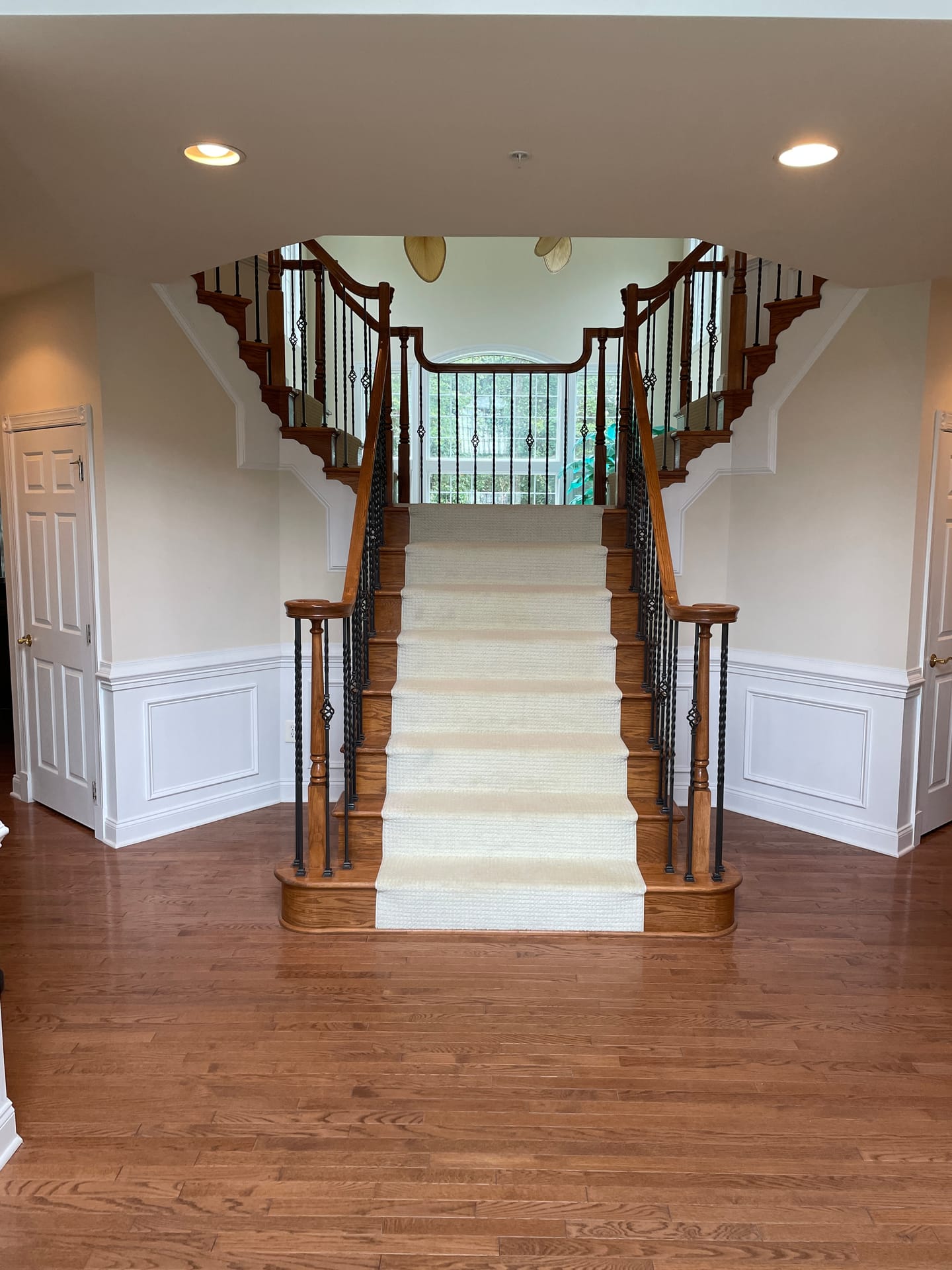
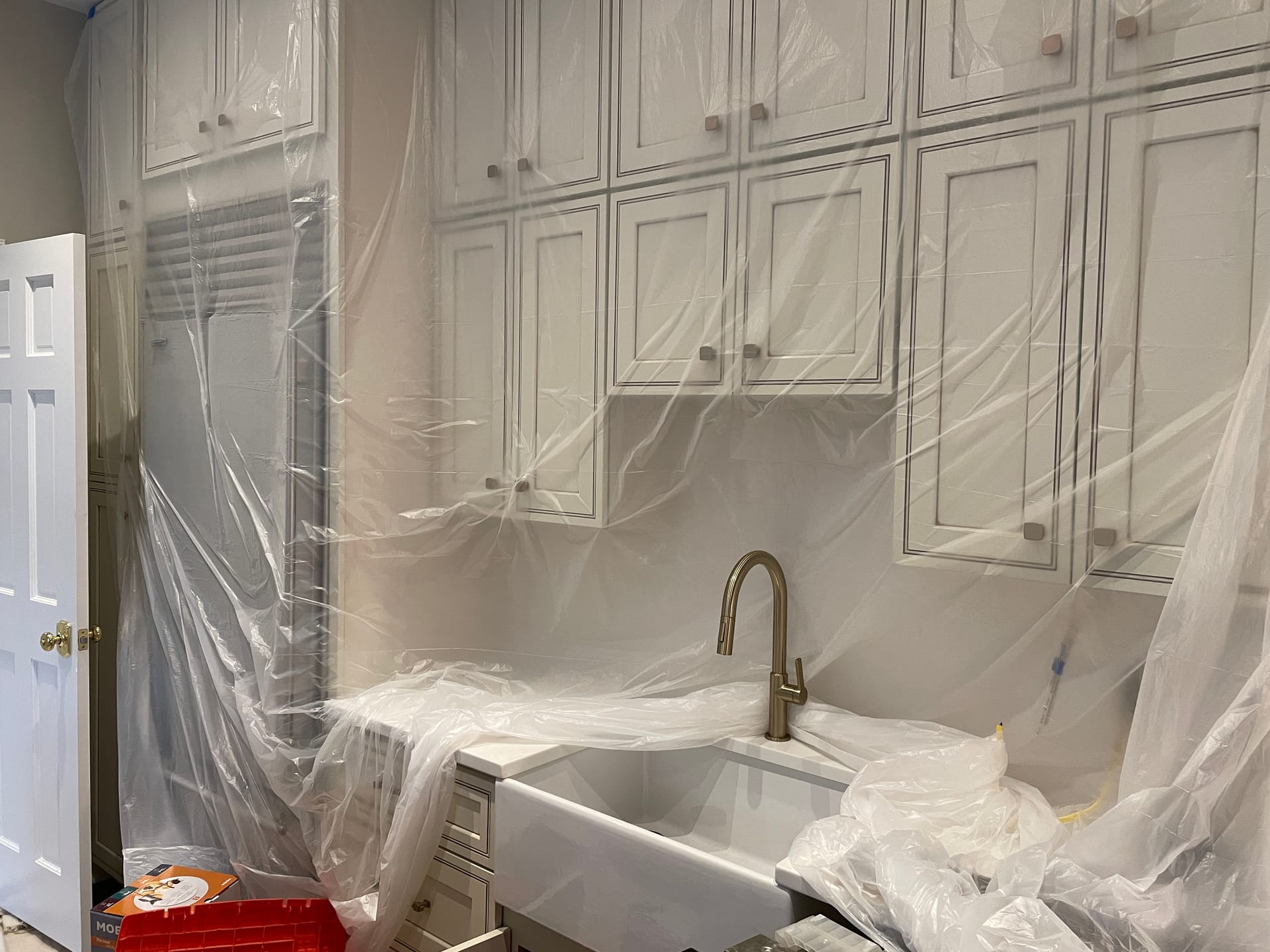
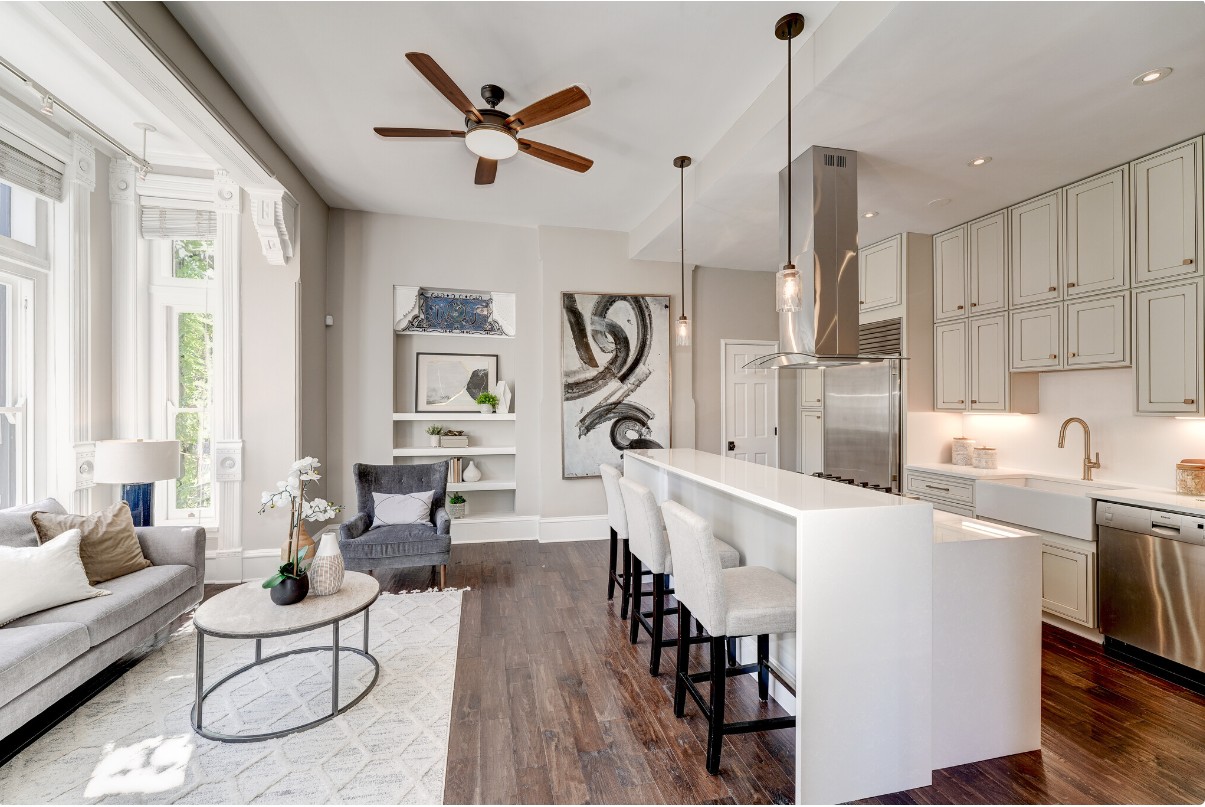
Six features, one place.
Built for the way Maryland renovations actually run — not the way a generic project-management tool thinks they should.
Three steps. You’re in.
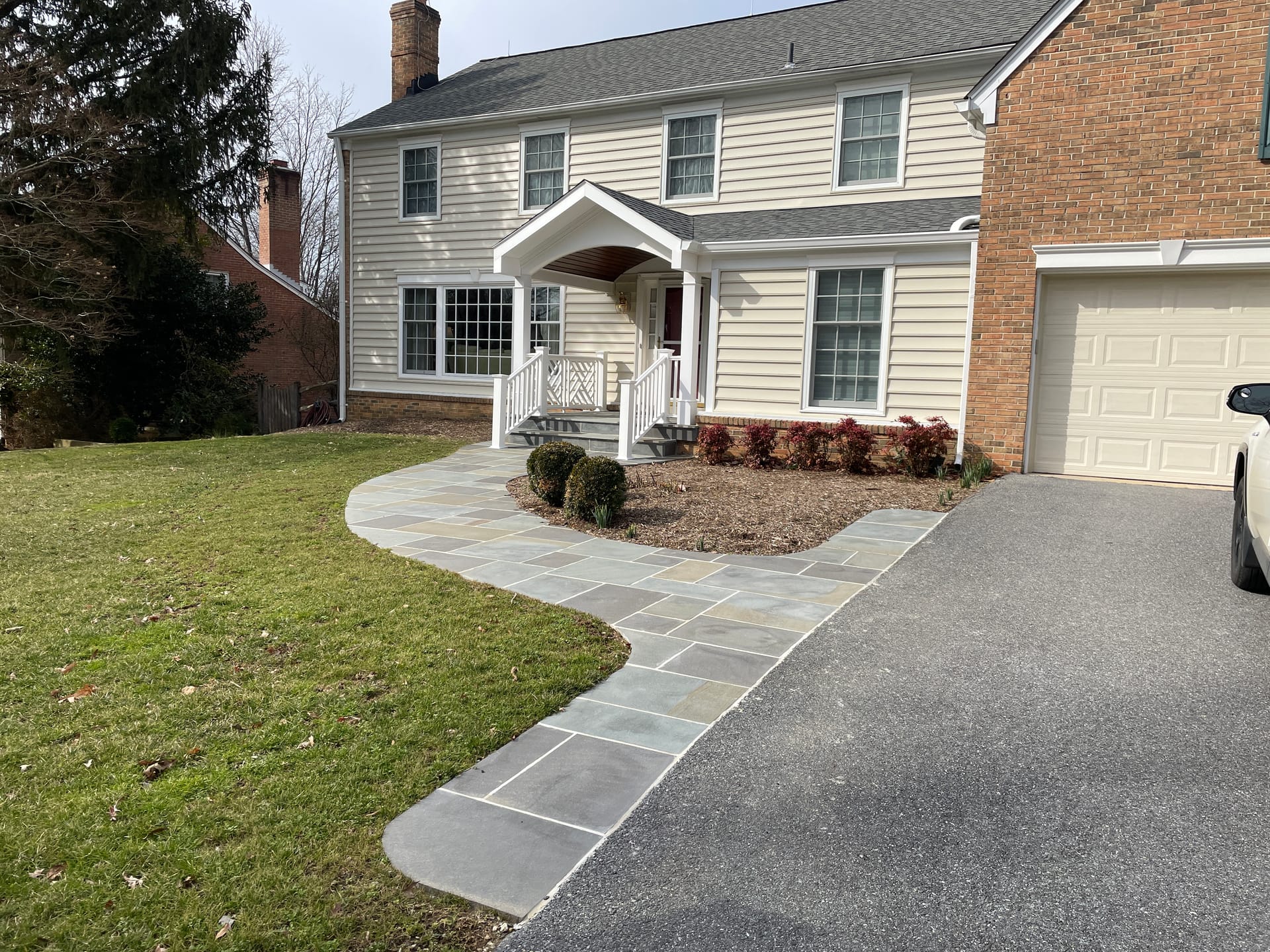
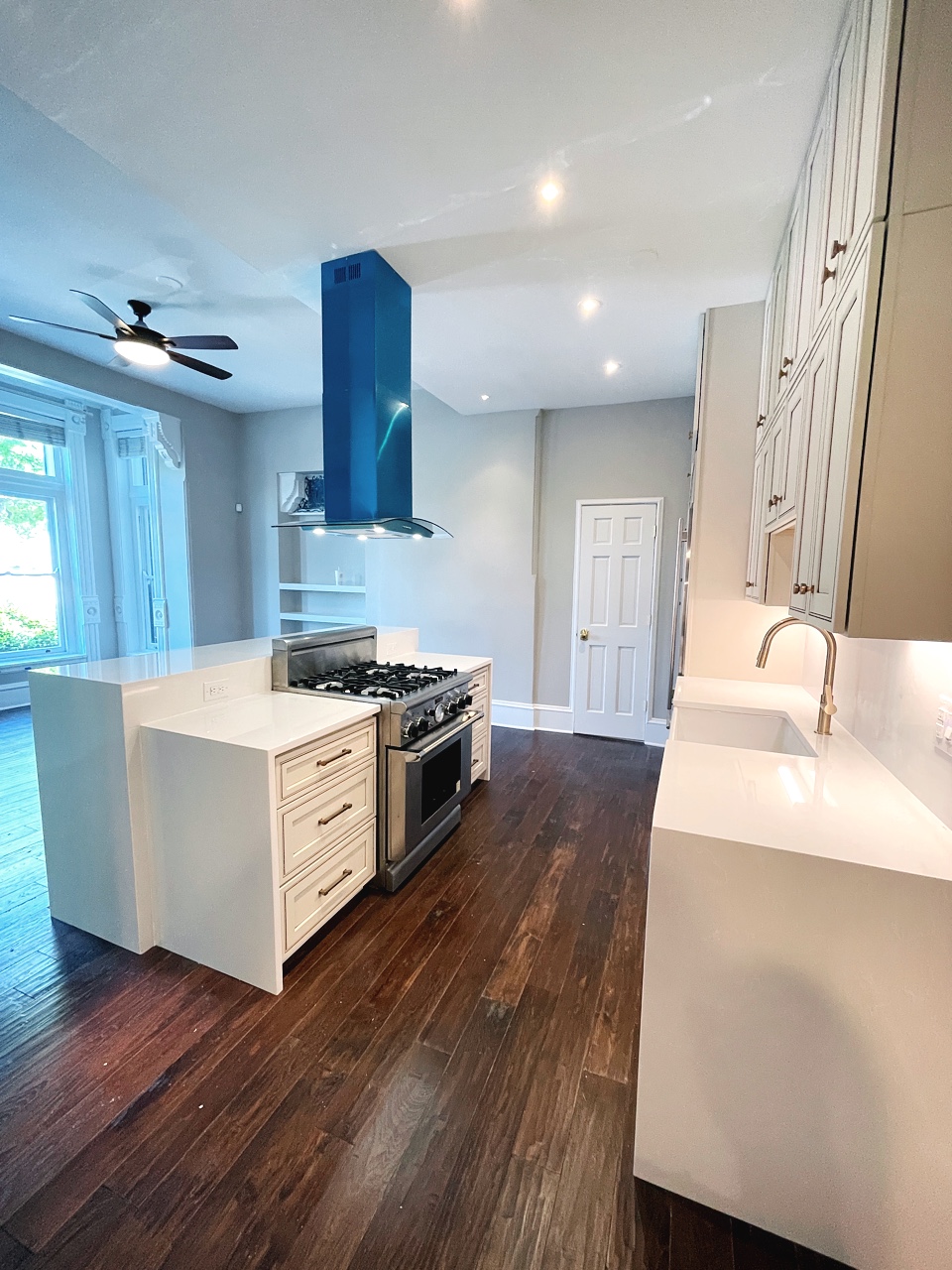
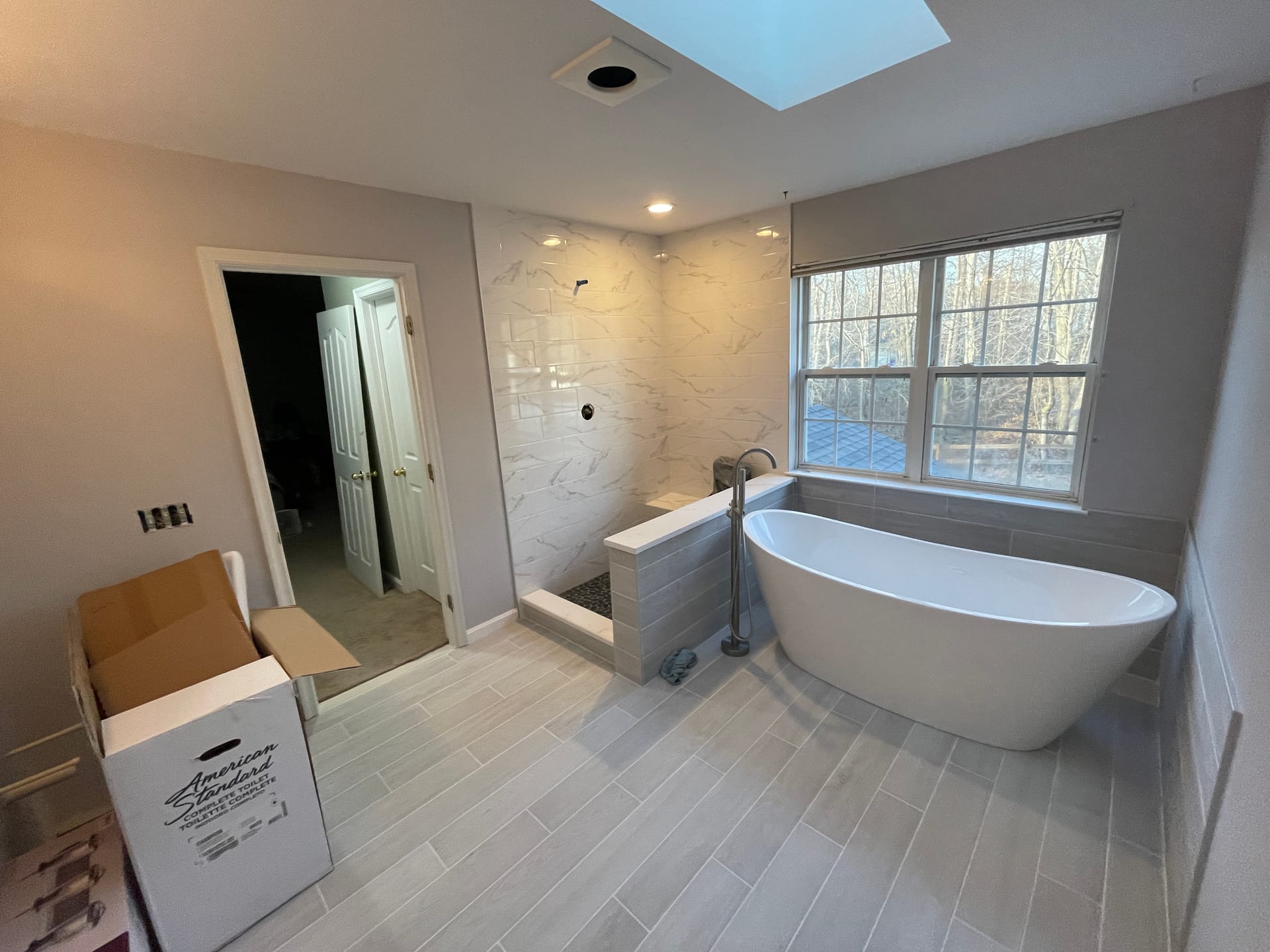
On day one. Your project gets an ID.
When you sign the contract, we generate your portal account and a unique project ID. Photos and schedule populate from demo day forward.
Inside an hour. Welcome email.
Email + SMS with your sign-in link and project ID. Click once on phone, save to home screen — works exactly like an app.
Stay logged in. Through final walkthrough.
Daily photo notifications, schedule changes, message threads with your project lead. Stays accessible after the project for warranty + receipts.
Welcome back.
New here?
Project ID is on the welcome email we sent when your contract was signed. Lost it? Contact us.
Customer portal, plainly answered.
Do I need an app?
No. The portal is a web app — open it in any browser, or save the link to your phone's home screen and it works like an app.
Who can see my project photos?
Just you and the people you explicitly invite. Project photos are scoped to your account; only your project lead and crew see them server-side.
How often are updates posted?
Daily during active build phases. Twice weekly during slower phases (rough-in waiting on inspection, materials in transit). You get a push notification for new photos.
What if I’m not techy?
The portal is intentionally simple. If you can read a text message, you can use it. We walk you through it at the contract signing.
Can I add my spouse or designer?
Yes — up to three users per project, no extra charge. Each gets their own login and notification preferences.
Schedule the consult. Portal comes next.
Every active client gets a portal — automatic when the contract is signed. Start with the free walkthrough.
MHIC #157199 · Customer Portal Included With Every Active Project